Augmented Overlay: Real-Time Support Where You Need It
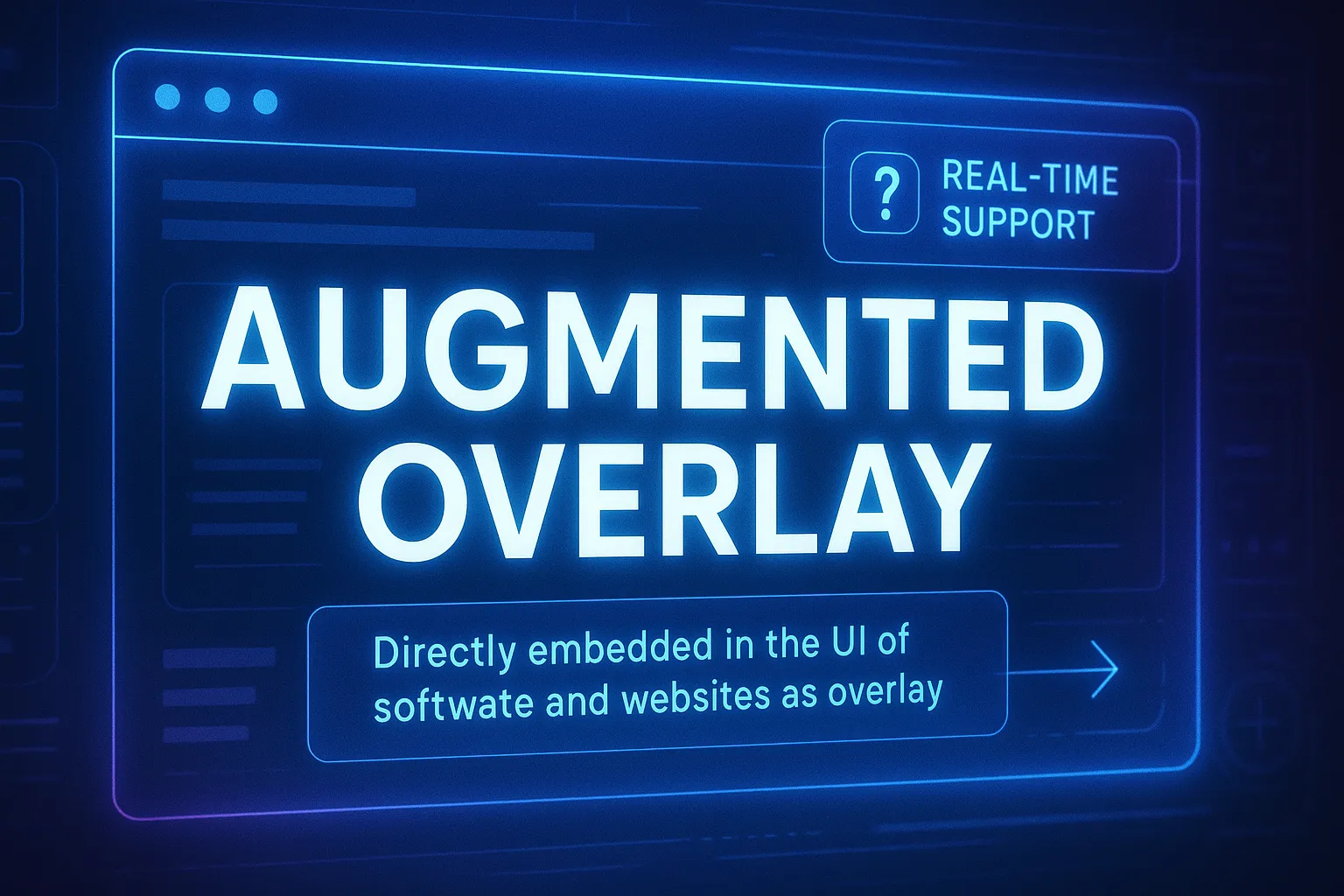
In today’s digital world, every second spent navigating complex forms, switching between apps, or retyping the same data across multiple platforms adds up. For individuals and companies alike, these micro-delays not only slow down workflows but also contribute to unnecessary energy usage. The Augmented Overlay concept addresses this challenge head-on by embedding real-time support directly into the UI of software and websites — reducing screen time, improving efficiency, and making digital work more sustainable.
Why Saving Screen Time Matters
Every hour of screen time carries an invisible cost:
Productivity Loss: Manually copying data, re-entering identifiers, or hunting through menus reduces focus and introduces error risks.
Cognitive Load: Switching contexts drains mental energy. This is why filling out a long tax or compliance form feels so exhausting.
Environmental Impact: Longer sessions consume more energy — not just on your own device, but across the network and servers that process those interactions. Reducing unnecessary clicks and rework helps shrink the digital carbon footprint.
By cutting screen time, Augmented Overlay delivers a two-fold benefit: faster results for the user and a lighter load on the planet.
Forms That Replicate Themselves
One of the most powerful features of Augmented Overlay is on-the-fly form replication. Instead of forcing the user to navigate static fields locked into the website or application, forms are cloned into an interactive overlay.
Sticky Overlay: The replicated form “sticks” above the original UI, no matter how you scroll or move windows.
Data Context Integration: Sensitive information, such as tax IDs or company numbers, is stored only once inside the WRVault PII (Personally Identifiable Information vault). Whenever a tax form or government portal is opened, the overlay can inject those details directly into the cloned fields.
User Control: The user decides per click whether to insert stored data, edit it, or ask contextual questions about specific fields.
This approach saves countless minutes of repetitive typing while ensuring sensitive data never leaves its secure container.
Conversational Interaction with Cursor Intelligence
Traditional UI support stops at tooltips and help texts. Augmented Overlay introduces a new level of interaction:
Cursor-Driven Queries: By performing a simple lasso-style cursor movement around a form field, the system knows exactly what the user is referring to when asking: “Do I need to enter this here?”
Dynamic Assistance: The AI of OpenGiraffe, the orchestration layer behind Augmented Overlay, interprets the combination of cursor movement and natural language. It can then insert, change, or annotate data instantly.
Smart Automation: When patterns are detected — e.g., an email address in a field — the overlay can automatically suggest relevant actions, such as drafting an email via the backend or connecting with predefined automations.
The cursor becomes more than a pointer: it becomes a direct channel between user intent and AI support.
Helping Navigate Complex Taxonomies and Cluttered Structures
Modern software and government portals often bury critical information inside dense taxonomies or deeply nested link structures. Finding the right field or form can feel like looking for a needle in a haystack.
Augmented Overlay solves this problem by:
Contextual Highlighting: Marking the exact fields or sections relevant to the current task.
Adaptive Guidance: Guiding the user step by step through complex menus or tree structures, reducing the chance of getting lost.
Dynamic Linking: Surfacing shortcuts or context-aware “jump points” that cut through clutter and take the user directly where they need to be.
Instead of the user adapting to the system, the system adapts to the user — making even the most bureaucratic workflows manageable.
Adaptive and Flexible UI
Workflows are rarely linear. Sometimes you need information to follow you across tabs or to rearrange your workspace in real time. Augmented Overlay supports this flexibility:
Drag & Drop: Overlays can be repositioned or dragged onto another screen area, making them ideal for multi-monitor or grid-based setups.
Smart Placement: Augmentation blocks appear in the most logical free UI space next to the elements that matter most.
Voice + Text Input: Users can talk to the overlay or type queries, with the system adapting and presenting augmentation dynamically.
The result is a UI that doesn’t just react to your clicks, but proactively arranges itself to support your flow.
Efficiency Translated Into Sustainability
The benefits compound quickly:
Time Savings: A form that normally takes 30 minutes to complete can be reduced to a few clicks.
Error Reduction: Centralized, verified data from WRVault means fewer typos, mismatches, or rejections.
Navigation Support: Complex taxonomies become easy to traverse with AI-powered overlays guiding the way.
Lower Energy Use: Less time navigating systems means fewer compute cycles consumed by browsers, networks, and servers.
For enterprises, this translates into measurable productivity gains. For individuals, it’s a stress-free way to handle complex tasks. For society, it’s a small but important step toward greener digital infrastructure.
Beyond Forms: Augmented Overlay as a Platform
While forms are a natural first use case, the underlying principle of Augmented Overlay extends to all digital interactions:
Compliance Workflows: Automatic cross-checking of entries against stored data.
Customer Support: Real-time augmentation when interacting with ticket systems or CRM tools.
Creative Tools: Context-aware overlays that enhance design, coding, or content creation.
Knowledge Systems: Helping users find relevant documents or fields within labyrinthine taxonomies.
By combining UI replication, cursor intelligence, secure vault integration, and automation triggers, Augmented Overlay creates a new layer between the user and their digital environment — a layer that saves time, preserves privacy, and unlocks efficiency.
Conclusion
The Augmented Overlay is more than a UX improvement. It represents a paradigm shift in human-computer interaction:
Workflows become faster and more intuitive.
Sensitive data stays secure and under user control.
Users can finally navigate complex taxonomies and link structures without frustration.
The time and energy saved contribute to both personal efficiency and global sustainability.
In an age where efficiency, security, and environmental responsibility are all non-negotiable, Augmented Overlay delivers on all fronts.
Concept: Extending the Augmented Overlay into Physical and AR Environments
The Augmented Overlay represents a conceptual framework for adaptive human–machine interaction that integrates reasoning, visualization, and automation directly into user interfaces.
While the original implementation focuses on digital workspaces, the same principles can extend to physical environments and augmented reality (AR) — where information, context, and automation are projected onto real-world objects.
Open registration through the WR Code Protocol
At the core of this concept lies the WR Code Protocol, a proposed open standard for linking physical objects, control panels, or documents to structured metadata.
Rather than requiring proprietary AR software, each machine or device would be registered once using openly available technologies such as AprilTags, OpenCV, or ARToolKit.
This registration defines the object’s geometry, control elements, and semantic context — creating a portable digital description that any compatible overlay system could interpret.
Through this approach, interoperability becomes a default feature: a single open registration enables different systems, devices, or organizations to reference and visualize the same contextual information consistently and securely.
Pointer-driven contextual interaction
In this model, interaction remains consistent with the desktop-based Augmented Overlay: users can rely on a pointer or cursor paradigm, extended into 3D space.
The pointer may be visualized through AR glasses, tracked by camera, or derived from alternative input sources such as EMG-based wristbands (e.g., Meta’s neural interface), finger-tracking sensors, or gesture-recognition systems.
A user could simply point at a real-world element and ask, “Do I need to click here now?” — allowing the system to interpret the query using its contextual model, recent interaction history, and semantic memory.
This enables intent-based interaction without requiring explicit reference to object names, IDs, or procedural steps.
Conceptually, such a framework would make physical interaction both conversational and self-explaining.
Backend automations (for instance, logging maintenance steps or triggering inspection workflows) could be linked to these contextual interactions, executed locally or securely via automation connectors such as n8n or MCP.
Multimodal and open visualization framework
A defining element of this concept is multimodal augmentation — the combination of visual, auditory, and haptic cues to improve understanding and reduce cognitive load.
To achieve this, the system envisions a shared library of open visualization elements, providing standardized assets such as arrows, outlines, glow effects, pulsing indicators, animated trajectories, and contextual icons.
These components could be extended by the open-source community and reused across different platforms, ensuring visual consistency and accessibility.
In practical terms, this would allow an AR overlay to highlight a control element, display a dynamic arrow to indicate motion, or provide subtle auditory or haptic feedback confirming an action.
The visualization layer thus becomes an adaptive communication system that supports both procedural guidance and learning.
Collaborative context and semantic memory
Another theoretical component involves the integration of semantic memory and collaborative annotation.
Users could enrich registered objects with additional context — notes, images, or recorded explanations — that become searchable and retrievable directly through the overlay.
For example, technicians might document how a specific issue was resolved, linking that information to the exact control element through its WR Code anchor.
Over time, this creates a living, semantically structured knowledge base accessible through natural interaction.
Privacy, locality, and openness
All aspects of this framework follow a local-first and privacy-preserving architecture.
Recognition, reasoning, and simple augmentations are designed to operate on-device, ensuring that sensitive or proprietary information remains under user control.
Cloud components are optional and primarily intended for collaborative updates or computationally intensive tasks such as global optimization or large-scale learning.
Toward an open ecosystem for adaptive interfaces
In summary, this concept outlines how the Augmented Overlay could evolve into a cross-domain, multimodal interface layer that connects digital and physical environments through open standards and verifiable context.
By combining AprilTag-based precision, OpenCV-level flexibility, pointer-driven reasoning, and open visualization frameworks, such an approach could form the foundation of a transparent, adaptive, and user-controlled interaction ecosystem.
Rather than proposing a finished system, this framework aims to define the architectural direction for future AR and human-machine interfaces — one where devices, interfaces, and users share a common semantic understanding, independent of vendor-specific software.